
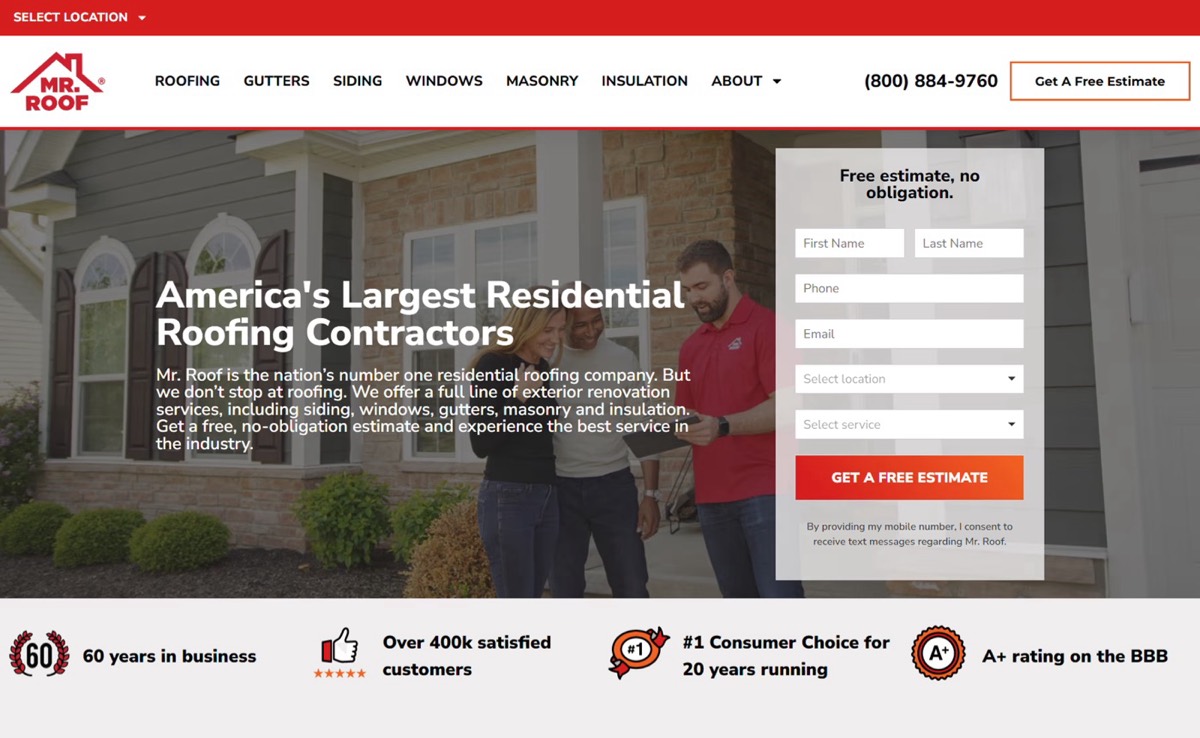
The Cost of a Leaky Roofing Website
Your roofing website might look good, but looks don’t book jobs.
Every week, roofing companies across Parker, Castle Rock, and the Denver metro area lose leads because their websites aren’t built to convert. Maybe it’s slow. Maybe the phone number is hidden. Maybe it’s just not showing up on Google.
And the worst part? Most roofers don’t even realize it.
At Your Local Site Design, we audit hundreds of roofing websites every year, and most of them share the same problems: no clear call-to-action, no local SEO structure, and no proof of trust. If your site suffers from even one of these, it’s leaking leads, just like a bad roof leaks water.
Let’s walk through the top three mistakes that are quietly costing roofing contractors phone calls, quote requests, and thousands in lost jobs.
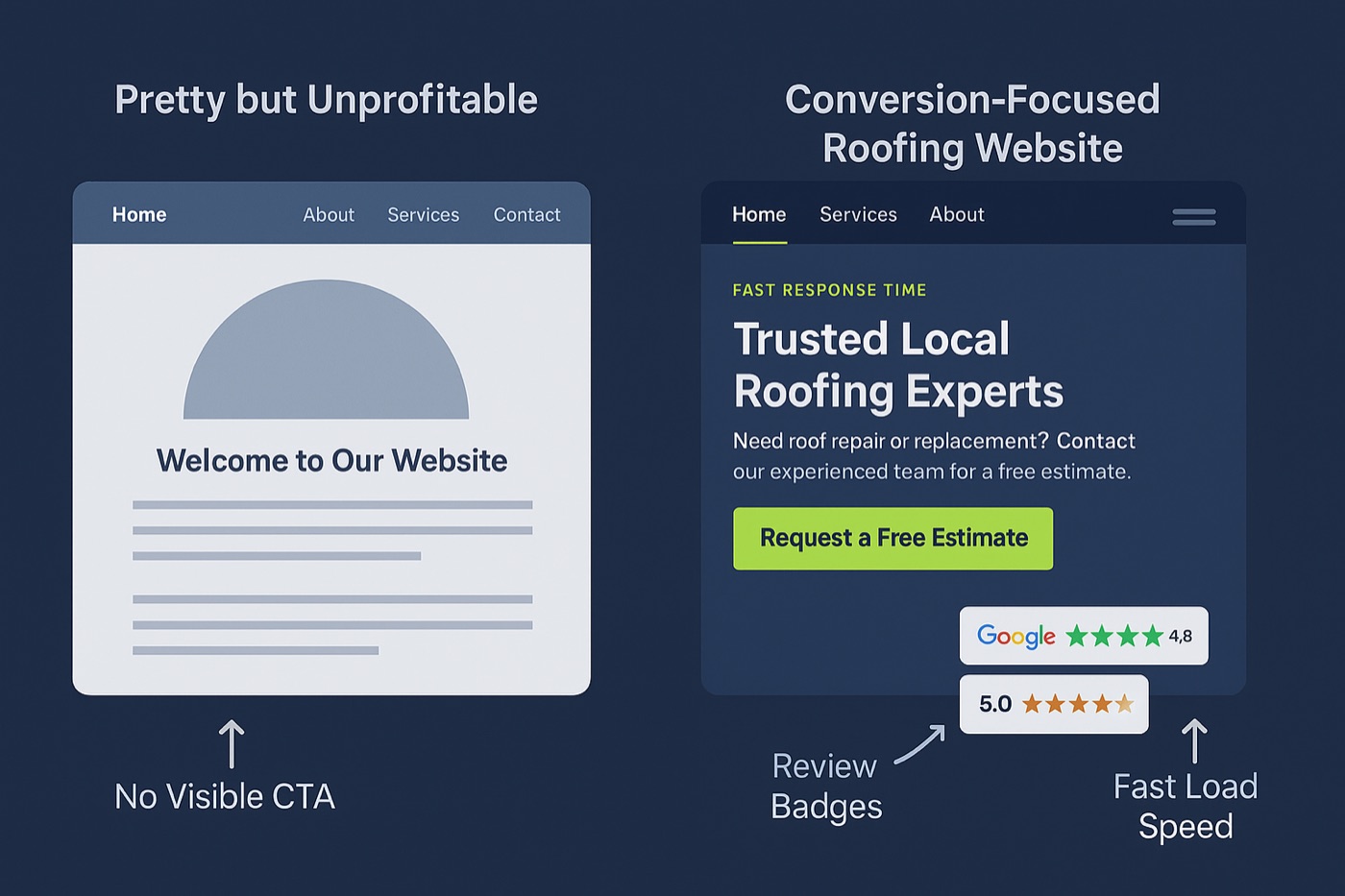
1. Mistake #1 – No Clear Conversion Path
Here’s the truth: homeowners don’t browse roofing websites for fun, they’re in a hurry, often stressed, and want one thing: a trusted company to call now.
If your roofing website buries the phone number, hides your form below the fold, or uses vague buttons like “Learn More,” you’re losing conversions.
Common issues:
-
Phone number hidden in the footer.
-
“Request Quote” buried on a subpage.
-
Homepage opens with generic text like “Welcome to Our Website.”
What to do instead:
-
Use a bold CTA button at the top: “Request a Free Estimate.”
-
Keep your phone number sticky in the header and clickable on mobile.
-
Add a contact form on the homepage, above the fold (not buried at the bottom).
-
Use color contrast, your CTA should visually pop.
💡 Pro Tip: Add the same CTA button at the top and bottom of every page. Most roofing leads come from mobile users scrolling fast, catch them at both points.
2. Mistake #2 – No Local SEO Foundation
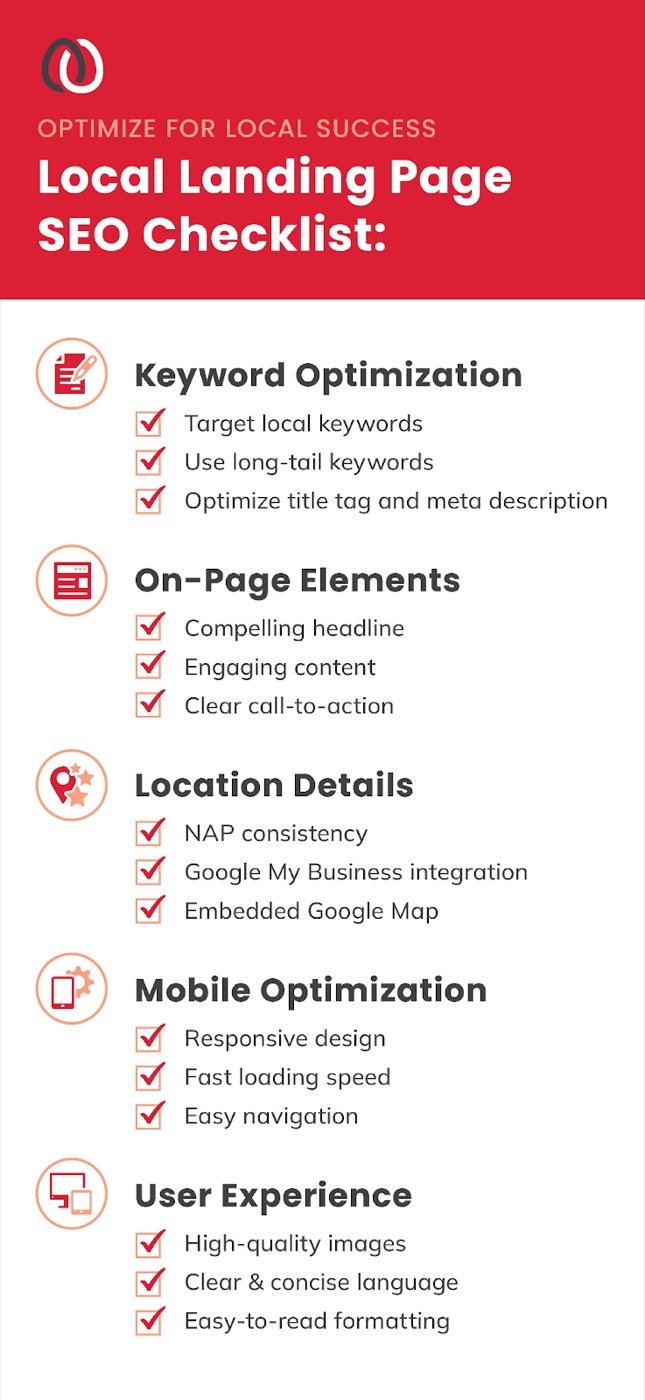
If your roofing company doesn’t show up in the Google Map Pack, you’re invisible to most homeowners.
Local SEO is what gets your business found when someone searches “roof repair near me” or “roofing company in Castle Rock.” Yet, many roofing websites ignore it completely.
Here’s what most get wrong:
-
No dedicated city pages (Google doesn’t know where you serve).
-
Weak or outdated Google Business Profile.
-
Inconsistent Name, Address, Phone (NAP) listings.
-
Missing schema markup or reviews on-site.
How to fix it:
-
Create location pages for each service area: Parker, Castle Rock, Highlands Ranch, and Denver.
-
Add your full address and phone number in the footer of every page.
-
Use real local photos (not stock).
-
Link to your Google Business Profile and embed a Google Map on your Contact page.
-
Add local keywords naturally: “roofing contractor in Castle Rock, CO”, “roofing company Parker CO.”
💡Pro Tip: Google ranks businesses higher when your site, GBP, and local citations all say the same thing.
3. Mistake #3 – No Trust or Proof
Here’s a hard truth: most homeowners don’t know how to judge one roofer from another. To them, every company “does roofing.” So what makes someone choose you over the guy down the street?
Your website has only a few seconds to prove that you’re reliable, experienced, and local. Without visual proof, most visitors click back to Google and pick the next contractor.
-
No reviews or testimonials displayed on the site.
-
No license, insurance, or certification badges visible.
-
No photos of actual work, just stock roofing images.
-
No clear warranty or guarantee listed.
How to seal the leak:
-
Add a review carousel of your 5-star Google reviews (especially near the CTA).
-
Show before-and-after photos of real local jobs.
-
Include logos for GAF, Owens Corning, BBB, HomeAdvisor, or Angi.
-
Highlight your warranty and a short “About” paragraph introducing your team.
💡 Pro Tip: Add a line under your headline like:
“Trusted by 200+ homeowners across Parker, Castle Rock, and Denver.”
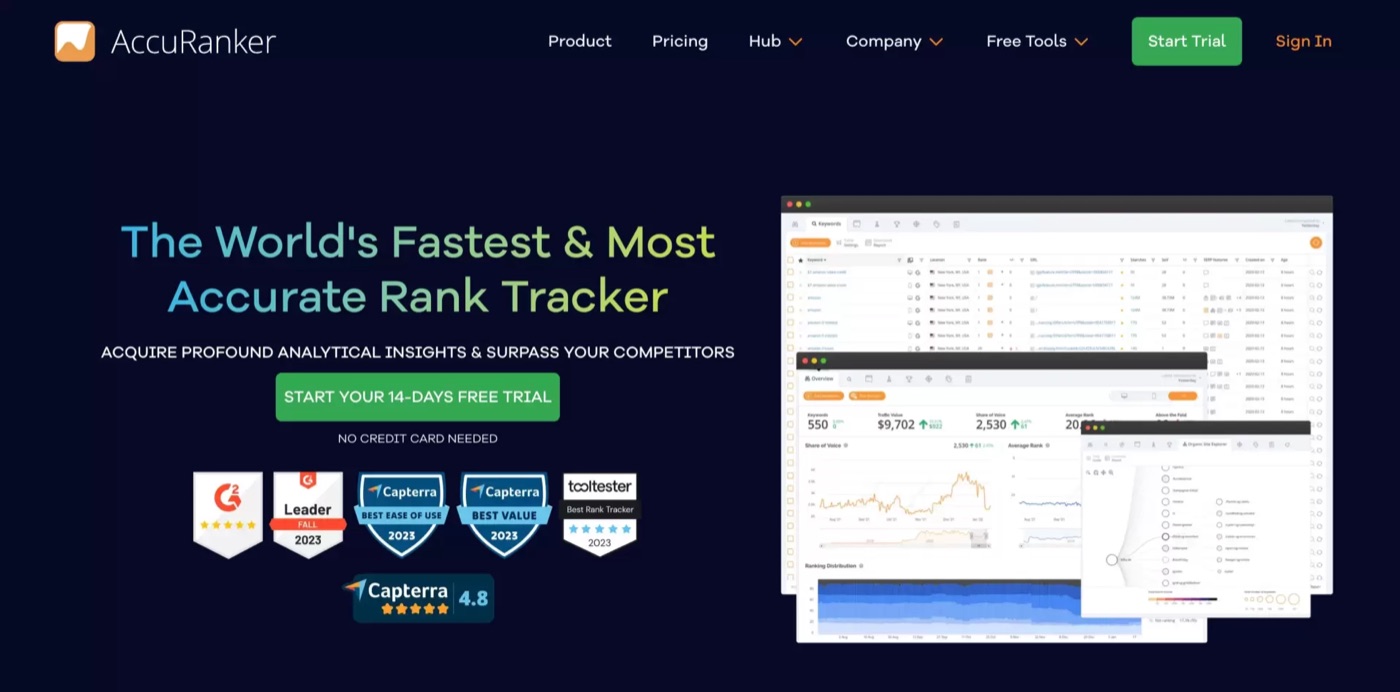
Bonus Tip – Speed & Mobile Experience Matter More Than Ever
Most roofing customers are on their phones, often standing outside looking at their roof.
If your site takes 5+ seconds to load or the buttons are too small to tap, you’re losing business every day.
Fix checklist:
-
Compress all images (JPEG under 200 KB).
-
Use a modern hosting provider with built-in caching (Wix, Framer, or WordPress + Cloudflare).
-
Test your site speed at PageSpeed Insights.
-
Make sure phone numbers and CTAs are clickable.
Real Example: How a Castle Rock Roofer Plugged the Leaks
A Castle Rock roofing company came to us frustrated that their $5,000 website wasn’t generating calls.
When we audited their site, we found:
-
No call-to-action until the bottom of the page.
-
Only stock images.
-
A slow 7-second mobile load time.
After redesigning the homepage with a clear CTA, review clusters, and faster hosting:
-
Their Google ranking jumped from page 3 to page 1 for “roof repair Castle Rock.”
-
Calls increased by 65% in 4 months.
FAQs
**💬 How much does a roofing website cost?**Mine are $1,500 to $6,500, published on the pricing page rather than quoted after a call, with most roofing companies landing near $3,500. Across the wider market a roofing site runs $2,000 to $7,000 depending on size, SEO setup and design complexity.
**💬 How long does it take to build a roofing website?**Typically 3–6 weeks for most small businesses. Larger sites or SEO-driven redesigns may take longer.
**💬 Can I just update my current site?**Absolutely. A professional redesign using your existing content can dramatically improve leads and rankings.
**💬 What makes a roofing website rank on Google?**Speed, mobile usability, local SEO (Google Business Profile, city pages), and consistent reviews are the biggest ranking factors.
Conclusion – Stop Letting Your Roofing Website Leak Leads
Your website should be your strongest sales tool, not a silent expense.
If your roofing website isn’t generating consistent calls, the problem isn’t your market… it’s your website.
At Your Local Site Design, we specialize in roofing web design that combines modern visuals, local SEO, and conversion psychology.
👉 Next Step: Request Your Free Roofing Website Mockup, and see exactly how we can help you turn traffic into booked jobs.