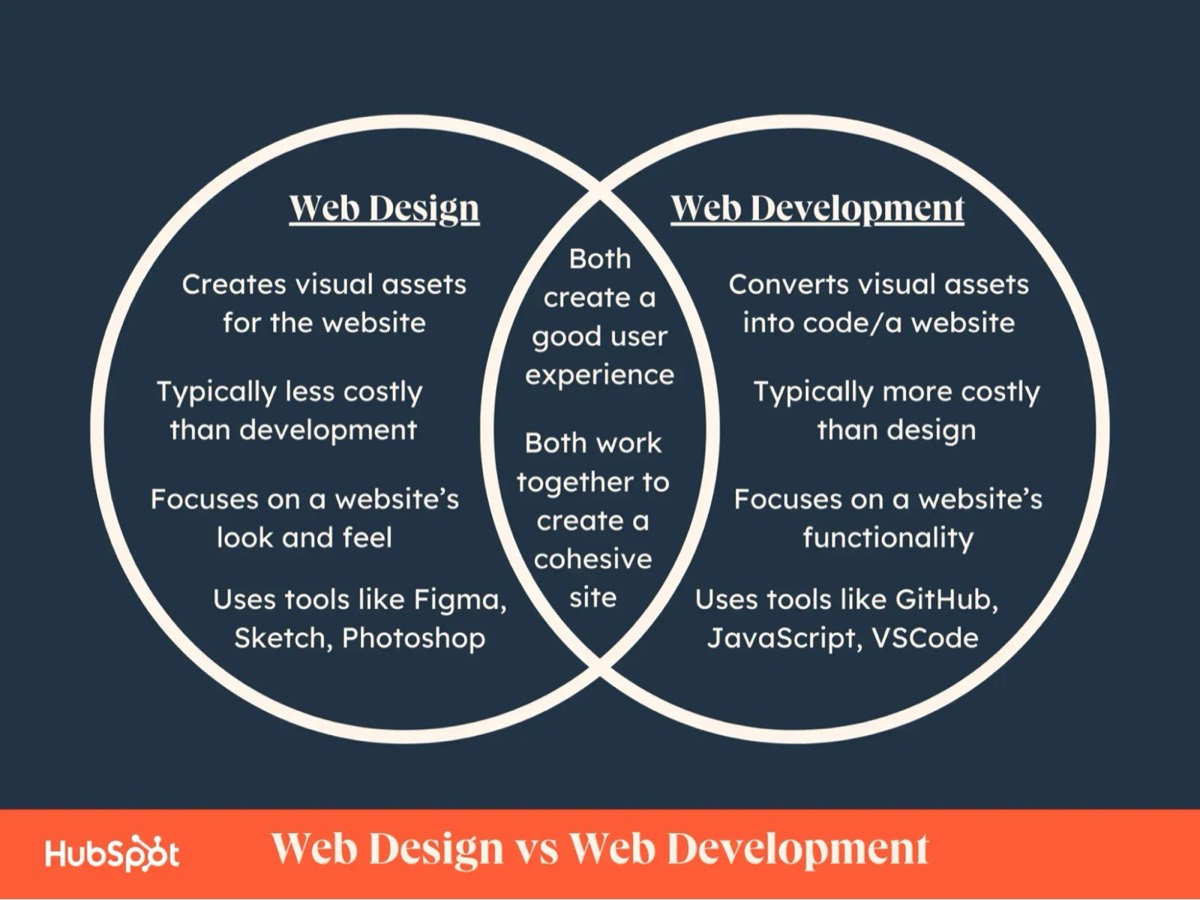
If you’ve ever searched for help building a website, you’ve probably seen two terms used interchangeably: web designandweb development.__At first, they sound like the same thing, but in reality, they’re two completely different skill sets that come together to create a functional, beautiful, high-performing website.
Most people think:
“Design makes it look nice. Development makes it work.”
That’s partly true, but the real difference runs deeper, and understanding it can save you thousands of dollars, headaches, and wasted time when hiring someone for your project.
1. Web Design: The Psychology and First Impression Layer
Web design is the human side of your website, how it looks, feels, and guides visitors toward action.
A great designer thinks like a psychologist, not just an artist. They ask:
-
What emotion should this page make people feel?
-
Where should their eyes go first?
-
What headline makes them stop scrolling?
-
What color or layout creates trust?
That’s why web design isn’t about pretty colors, it’s about conversion psychology.
What a Web Designer Does:
-
Plans the layout, user flow, and wireframes.
-
Chooses fonts, colors, images, and spacing that match your brand and audience.
-
Ensures mobile-first responsiveness (most visitors come from phones).
-
Designs call-to-action buttons and trust sections that get more leads.
At Your Local Site Design, we use real user tracking tools like heatmaps and session recordings (the same kind of tech used by major SaaS platforms) to understand how visitors interact. We don’t just guess where to put buttons, we test, analyze, and refine.
That’s what separates design from decoration.
2. Web Development: The Logic and Engine Layer
Once the design blueprint is ready, web development turns it into a working machine.
Developers write the code, connect databases, and make sure the site loads fast, secure, and stable, across every device and browser.
Think of it this way:If a web designer is an architect, the web developer is the builder who actually pours the concrete, wires the electricity, and makes everything functional.
What a Web Developer Does:
-
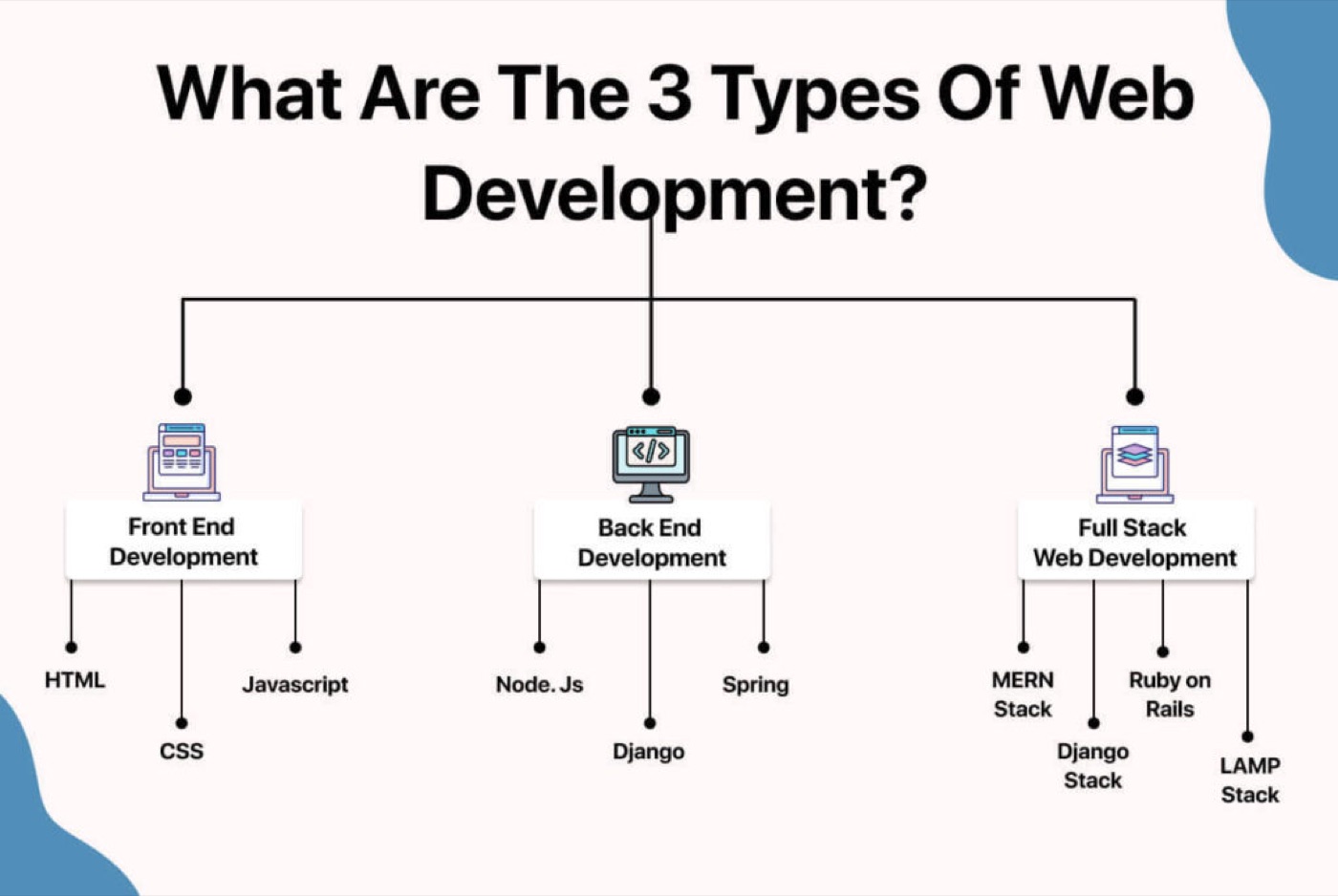
Builds pages with HTML, CSS, and JavaScript (the core of the web).
-
Integrates forms, chatbots, and contact systems.
-
Sets up content management (WordPress, Wix, Webflow, custom).
-
Connects analytics, tracking, and automations (like email follow-ups or booking forms).
-
Handles performance optimization, hosting, and website security.
Most websites fail not because of bad design, but because of poor development. A gorgeous homepage that loads in six seconds will never rank or convert.
That’s why the design + development relationship is critical. A fast, SEO-optimized structure means Google loves your site just as much as humans do.
3. The Overlap (and Why You Need Both)
In 2025, the line between web design and development has blurred. Modern designers often use tools like Figma and Framer that let them build live prototypes, while developers use low-code platforms and CMS systems that make design adjustments easier.
But even then, the best results come when both skill sets work together.
Designers create the strategy → developers bring it to life → analytics closes the loop by showing what actually works.
If you only hire one side, you risk building a car with no engine, or an engine with no steering wheel.
4. A Real-World Example: Castle Rock Roofing Company
Here’s how we break this down for clients:
-
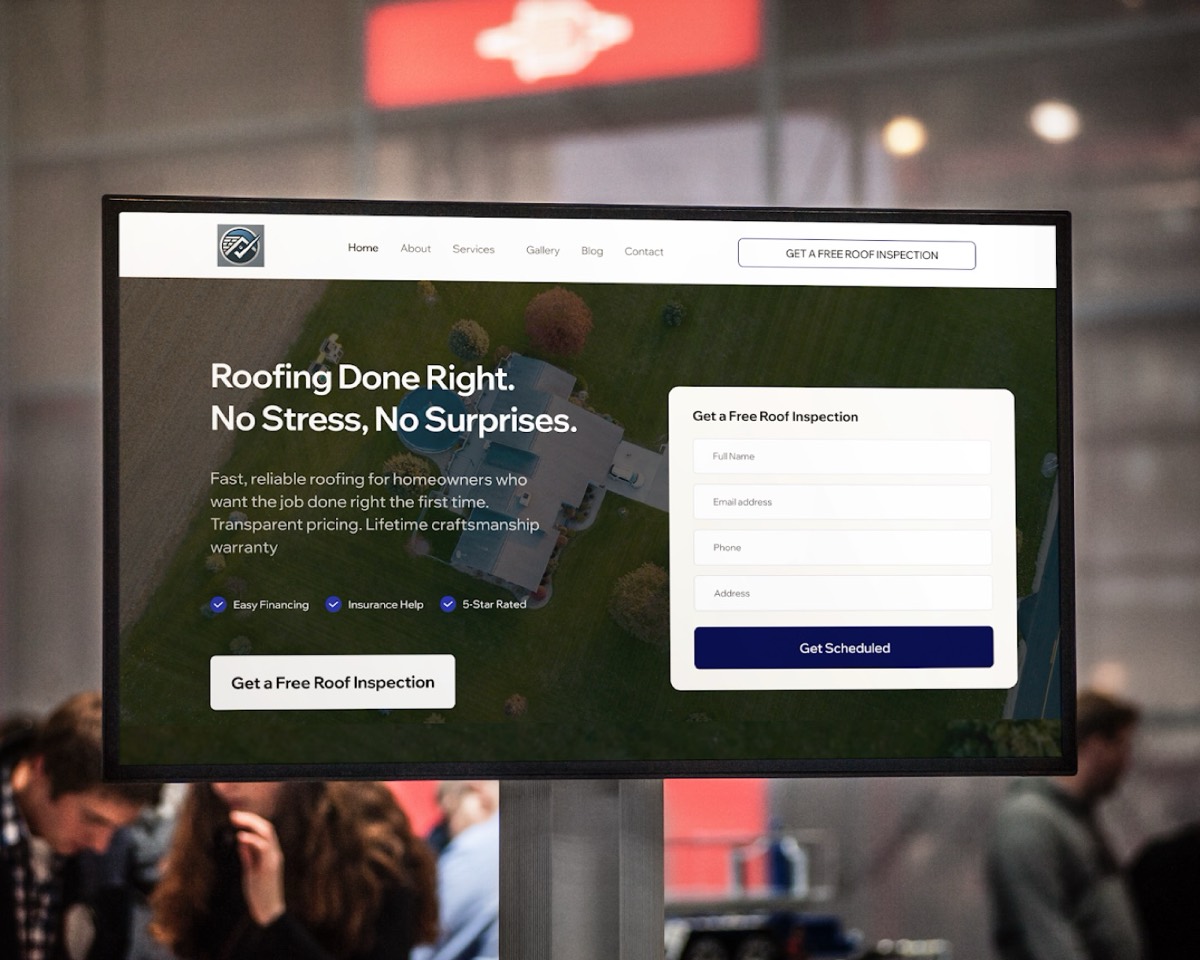
Design: We create a simple, trust-driven layout, clean header, testimonials, before/after gallery, and “Request a Free Quote” button that’s always visible.
-
Development: We then build it to load in under 2 seconds, add structured data (schema markup) so Google understands the business, and connect call tracking + form analytics.
End result: +62% more calls in the first 45 days. That’s not “pretty design”, that’s strategic web design and development working together.
5. How to Tell If You’re Talking to a Designer or a Developer
Here’s the quick cheat sheet:
Ask This
Designer
Developer
“What’s your process?”
Talks about layouts, flow, brand, visuals
Talks about code, speed, integrations
“What tools do you use?”
Figma, Photoshop, Canva, Framer
VS Code, HTML/CSS/JS, WordPress, APIs
“Can you make it rank on Google?”
Maybe, if they know SEO
Only if SEO and site structure are built correctly
“Will my site be editable after?”
Usually yes, if built in a CMS
Depends, developers can lock it down or automate it
A great partner understands both, design psychology and development logic.
6. The Bottom Line
When you hear “web design,” think **presentation and persuasion.**When you hear “web development,” think function and performance.
Together, they form the foundation of a website that not only looks great, but makes money, ranks faster, and converts visitors into loyal customers.
At Your Local Site Design, we bridge both worlds, data-driven design powered by smart development. Every website we build is tested for SEO, conversion, and user experience before launch.
For Parker businesses, website development in Parker draws the same line with prices on it: what counts as a build, what counts as development, and which one you are.
If you’re ready to stop guessing what works online and start seeing real results, request your $47 competitor teardown today.