If you’ve ever searched “how to design a web page”, you’ve probably seen generic tips like “pick nice colors” or “make it user-friendly.” But for small businesses in Parker, CO, web page design isn’t about looking pretty, it’s about getting results.
A well-designed web page should:
-
Load fast
-
Guide the visitor toward one clear action (call, book, buy, or request)
-
Build trust instantly
-
Rank well on Google so people actually find it
In this guide, we’ll break down the steps to designing a web page that doesn’t just sit online, it works.
Step 1: Define the Goal of the Page
Before you even think about colors or fonts, ask: **“What do I want visitors to do here?”**Every page should have a single goal. Examples:
-
Home page → Build trust and get calls.
-
Service page → Convince someone to request a quote.
-
Landing page → Collect emails or drive a purchase.
💡 Local example: A Parker roofing company designed their home page with one big CTA button, “Request a Free Roof Inspection.” Calls doubled within 60 days.
Step 2: Choose the Right Layout
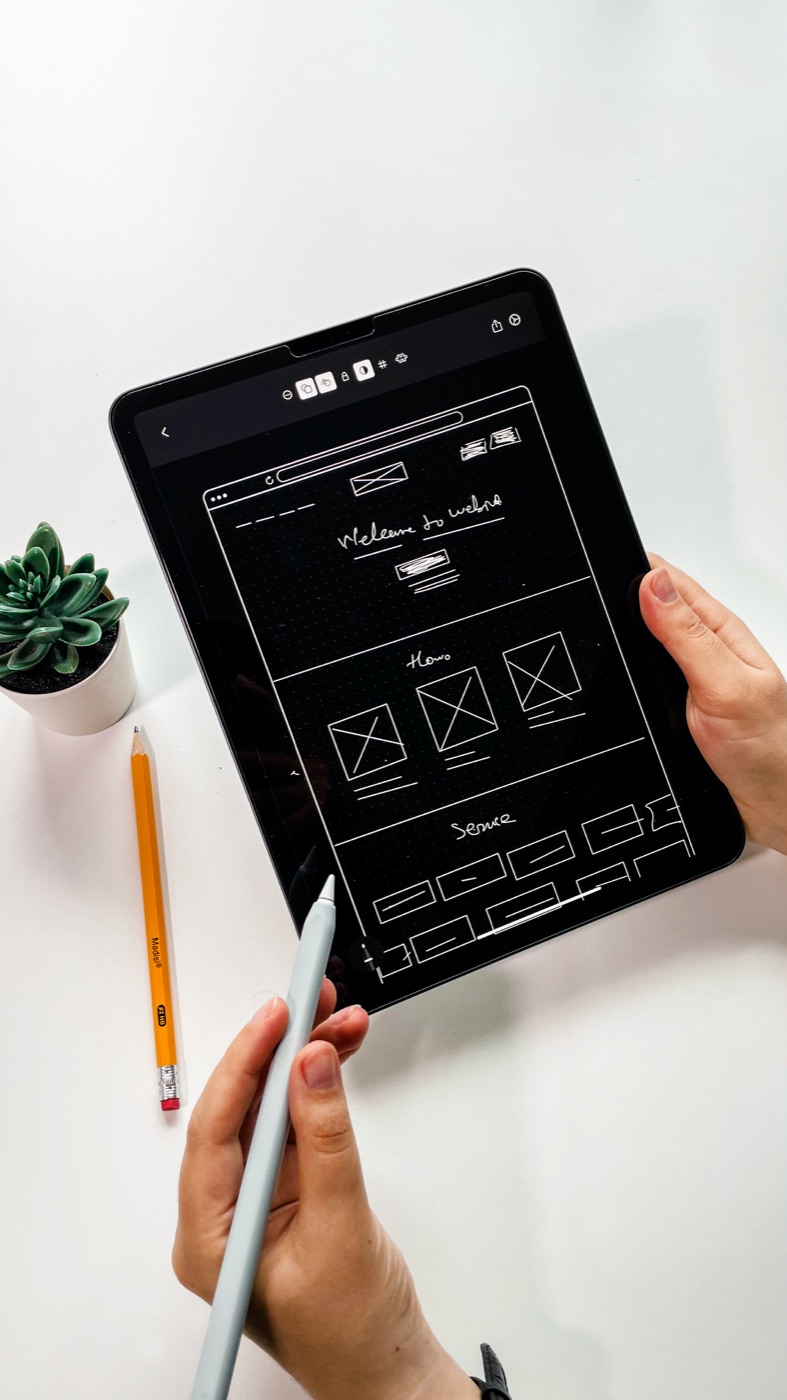
Good web page design follows proven layout frameworks that guide the eye. The most common layouts are:
-
Z-pattern → People scan left to right, then diagonally down, then left to right again. Perfect for simple service pages.
-
F-pattern → Works best for blogs and content-heavy pages.
-
Single-column layout → Great for mobile landing pages with one clear CTA.
For small businesses in Castle Rock or Parker, stick with layouts that minimize clutter and highlight your value fast.
💡 Pro Tip: Don’t overload your header with 10 menu items. Keep it simple: Home | Services | About | Contact.
Step 3: Use Visual Hierarchy to Guide Visitors
Humans skim. If everything on your page looks the same, visitors won’t know what’s important. That’s where visual hierarchy comes in.
Ways to create hierarchy:
-
Headlines first → Big, bold headline at the top that tells visitors what you do.
-
Contrast & color → Use a standout color for your CTA button (like bright green or orange).
-
Whitespace → Don’t cram everything together. Empty space makes your content more readable.
-
Images that tell a story → Photos of your actual team or local projects build trust faster than stock photos.
💡 Local example: A Castle Rock personal trainer used a bold headline, “Lose 20 Pounds in 90 Days”, and placed a bright orange “Book a Free Session” button right below it. Leads increased 3x.
Step 4: Make It Mobile-First
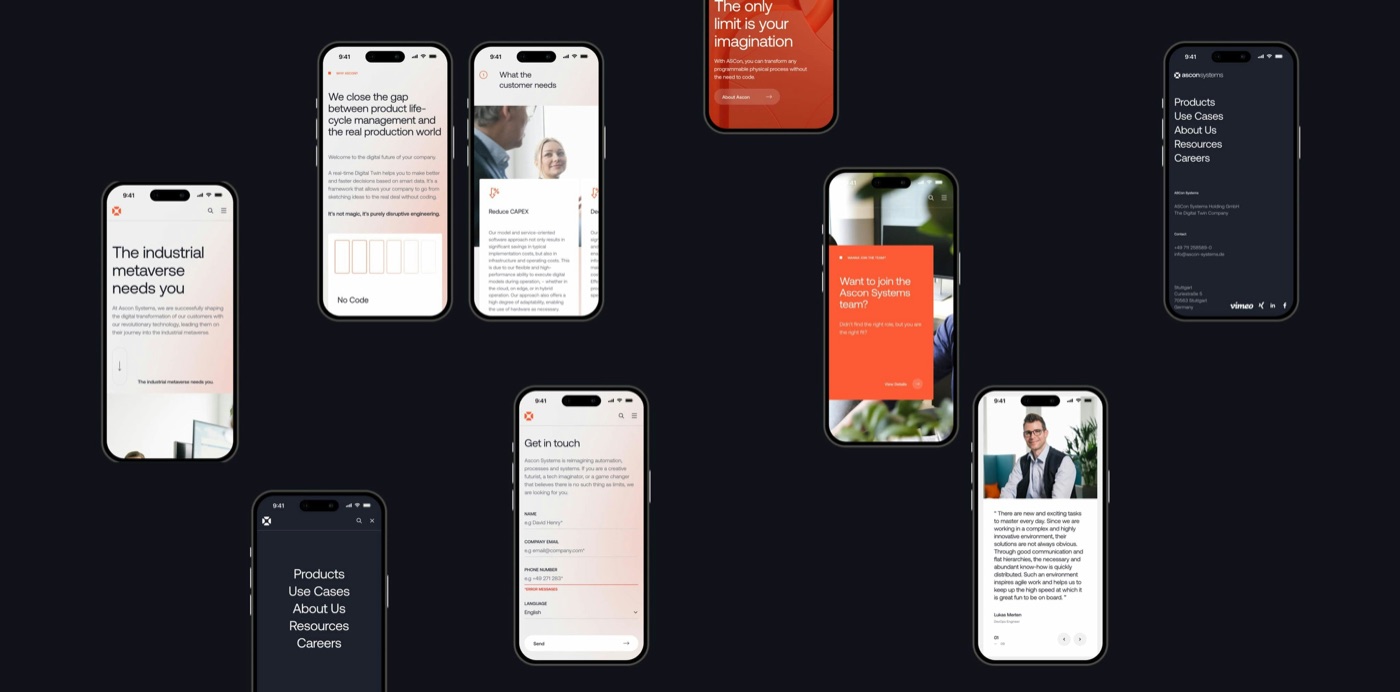
In 2025, more than 60% of visitors in Parker and Castle Rock will view your site on a phone. If your web page isn’t mobile-friendly, you’re losing customers before they even see your offer.
Mobile-first design means:
-
Tap-friendly buttons (no tiny links)
-
Simple menus (hamburger or sticky navigation)
-
Fast loading (compress images and avoid bloated code)
-
Vertical scroll layout (stack content so it flows naturally on a phone)
💡 Local example: A Castle Rock coffee shop switched from a desktop-heavy design to a mobile-first one. Suddenly, customers could tap “Order Online” right from their phone, sales jumped 40% in 3 months.
Step 5: Optimize for SEO
Design isn’t just visuals, it’s also about how Google reads your page. Without SEO baked into the design, your web page won’t show up for searches like “web design Parker CO”.
Key on-page SEO elements:
-
Keywords in headers (H1, H2) → Example: “Affordable Web Design in Parker, CO”
-
Image alt text → Describe photos with keywords (e.g., “Parker roofing website design example”).
-
Meta descriptions → Short summary under 160 characters.
-
Internal links → Point visitors to other relevant pages (like your Castle Rock pricing page).
-
Schema markup → Helps Google understand your page structure.
Step 6: Add Trust Builders
People don’t just want a nice-looking page, they want to know you’re legit. Adding trust signals can double your conversions.
Best trust-builders to include:
-
⭐ Customer reviews/testimonials
-
📸 Project photos or case studies
-
🏆 Badges/awards (BBB, Houzz, Angi, local chamber)
-
💵 Guarantees or risk-reversals (e.g., “Free first month of SEO”)
💡 Example: A Parker plumber added a row of Google reviews with star ratings on their homepage. Calls increased by 65% in the first month.
Step 7: Test & Refine
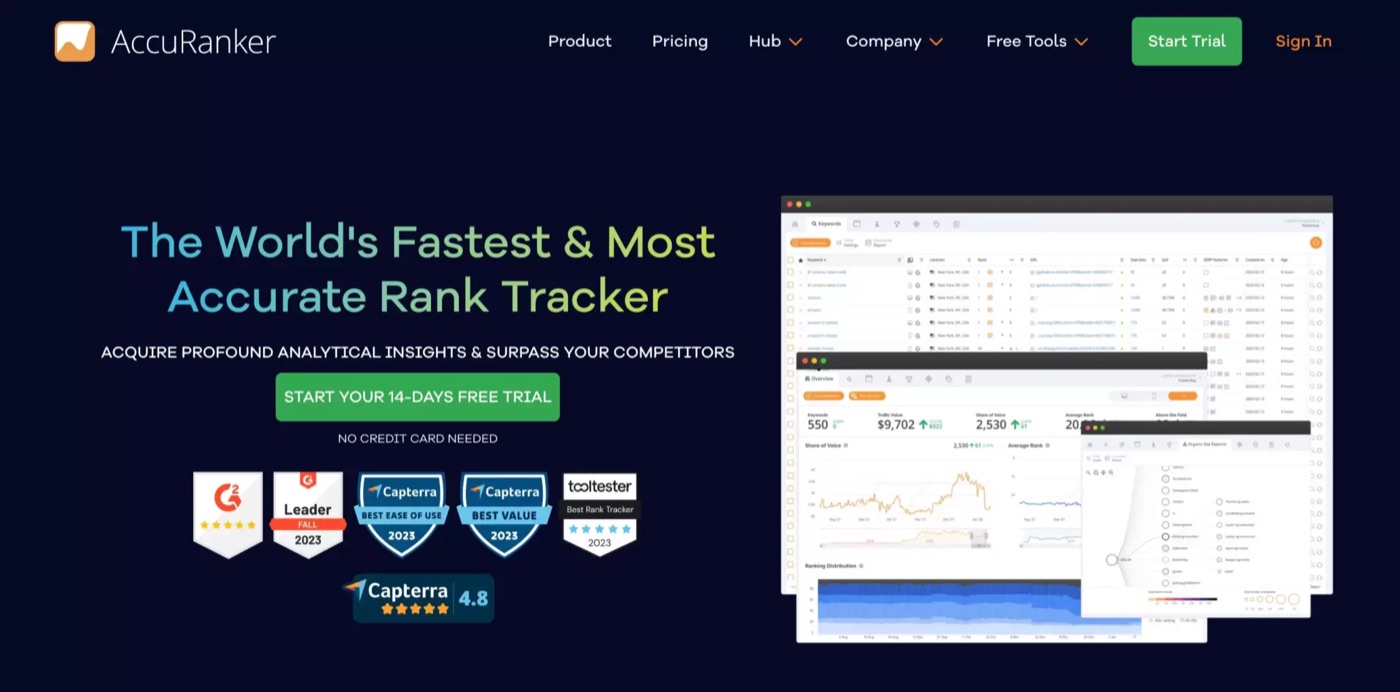
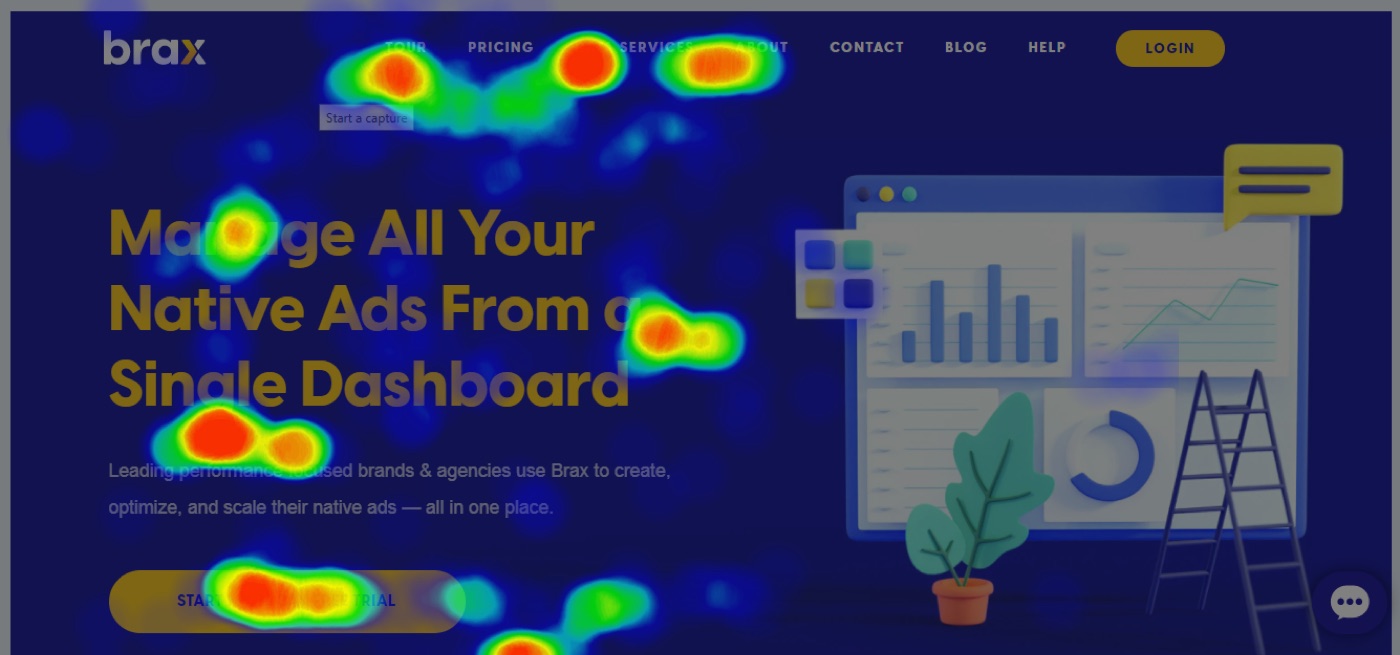
Even the best-designed web pages need tweaking. Use tools to see what’s working:
-
Heatmaps (Hotjar, CrazyEgg) → Shows where people click or scroll.
-
A/B Testing → Try two versions of a headline or CTA button.
-
Google Analytics → Track bounce rate, time on page, conversions.
💡 Pro Tip: Change ONE thing at a time (like CTA color or headline). That way you’ll know exactly what caused results.
FAQs
**💬 Do I need a web designer or can I DIY with a template?**Templates are fine for starters, but a professional designer ensures your page converts and ranks on Google.
**💬 How long does it take to design a web page?**Anywhere from 1–2 days (template landing page) to 2–3 weeks (custom service page).
**💬 Can I just focus on social media instead of a website?**No. Social is rented space. Your web page is the only digital property you own, and it works 24/7.
**💬 What’s the most important part of web design?**Clear goals, strong CTAs, mobile optimization, and trust signals. Without those, your page won’t perform.
Final Thoughts: Design for Results, Not Just Looks
Designing a web page in 2025 isn’t about being flashy, it’s about being functional. The best web pages for Parker and Castle Rock businesses are:
-
Fast
-
Mobile-first
-
SEO-friendly
-
Built for conversions
At Your Local Site Design, we don’t just design pretty pages. We build pages that rank, generate leads, and grow your business.
👉 Next Step: Request a free competitor teardown, see how your next page could look (and work) before spending a dime.